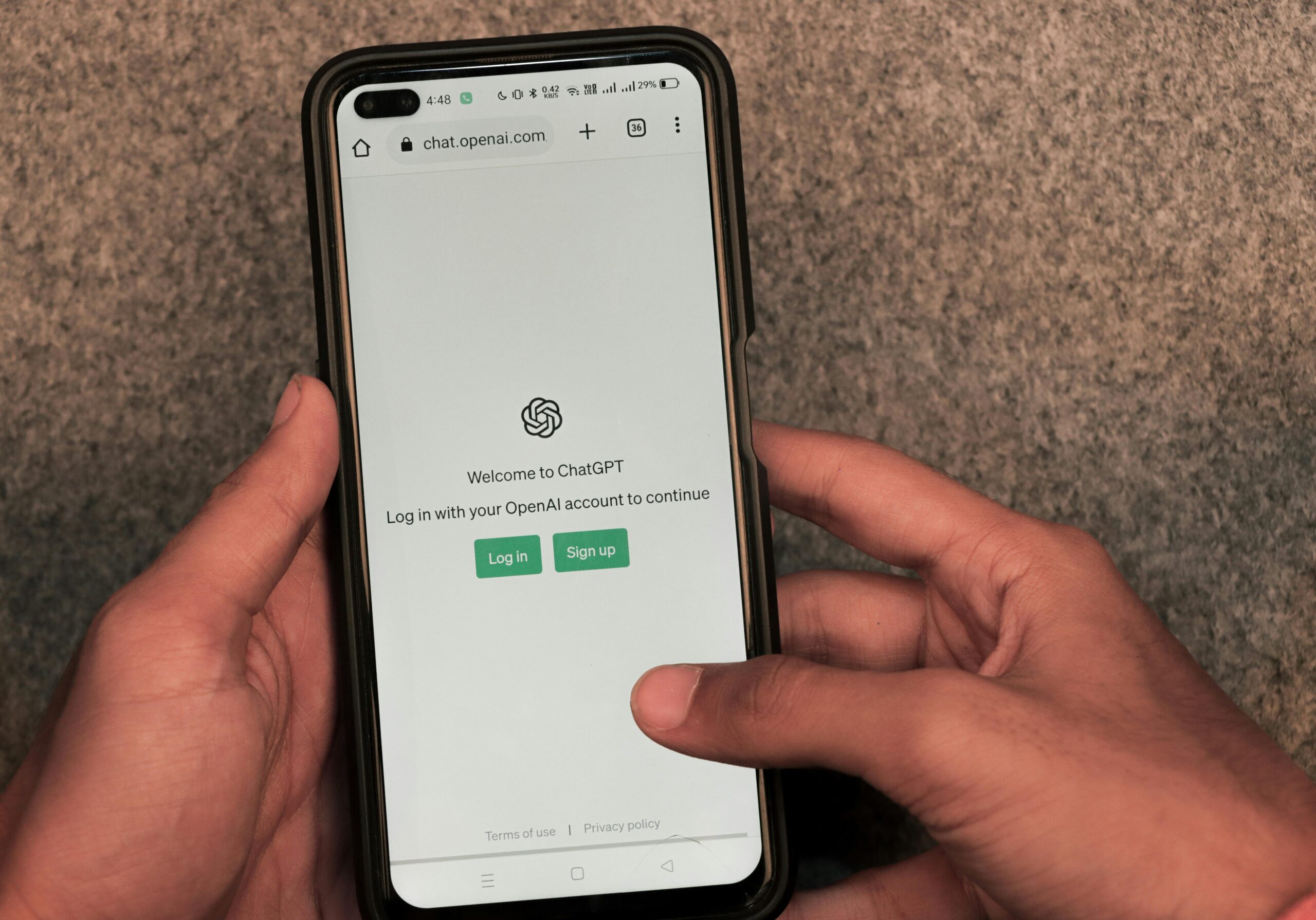
The Hidden Script Behind Every AI Interaction
When we ask an AI tool a question, most of us focus on the answer that pops up on the screen. But behind every response sits a “system prompt”—a block of instructions that quietly directs how the model should think, what tone to strike, and what data to prioritize. Think of it as the stage directions that an end user never sees, yet it sets the boundaries for everything that follows.
The more your company embraces AI, the more these hidden scripts are shaping day‑to‑day workflows, decisions, and even culture. If HR doesn’t have eyes on those prompts, important guardrails—like inclusive language, data privacy, or policy compliance—can slip through the cracks.
What Is a “System Prompt”?
A quick orientation before we dive deeper.
A system prompt is the first instruction an AI model receives, usually baked into a platform’s backend. It tells the model who it is (“You are an HR assistant…”), how to speak (“Write in plain language…”), and what sources to trust (“Use the employee handbook dated April 2025…”). Everything the user types comes after that hidden directive, making the system prompt the ultimate backstage influence.
Stat to know: OpenAI’s research indicates that roughly 60 % of a model’s output style and safety profile is governed by the system prompt, not the user’s query. (source)
The Context Gap Triangle — Policy ▸ People ▸ Place
Picture a new hire named Linda who messages your company’s AI assistant to ask, “How do I request parental leave?” The response she gets depends on three variables:
- Policy – What the handbook actually says about parental leave.
- People – Linda’s employment status, tenure, and location.
- Place – Local regulations that may extend or limit eligibility.
If the system prompt fails to encode any one point on that triangle, Linda may receive an answer that incorrectly applies the policy, treats her differently from a coworker, or violates a regional law. Multiply that tiny mismatch by thousands of queries a month, and the misalignment becomes cultural, not just operational.
What to watch out for:
- Policy drift: Answers that contradict or ignore official guidelines.
- Equity gaps: If prompts don’t account for regional benefits or team‑specific policies, some employees get different answers to the same question.
- Tone mismatch: Language that feels robotic or—in worst‑case scenarios—biased.
HR professionals are the stewards of that context, which makes their input on system prompts essential.
Risks of Leaving AI “On Autopilot”
Problems with AI guidance rarely show up as one dramatic outage. Instead, they creep along a spectrum. At the low end is compliance exposure, like when the assistant pulls an outdated PTO balance and the employee opens a ticket to HR—time wasted, trust eroded. Next comes a slow erosion of trust, where answers change for employees in different regions and chat channels fill with screenshots of the bot “playing favorites.” If left unchecked, these slips build into shadow policy creation: AI suggestions drift so far from official rules that they form an unofficial handbook, forcing legal and compliance teams to undo months of bad guidance.
Gartner warns that misaligned AI responses can create documentation liabilities, especially in regulated sectors where the policy itself is the product. Put simply, small inaccuracies snowball into costly clean-ups.
How to Bring HR to the Table (and Keep Them There)
Actionable steps for taking ownership of the prompt layer.
- Map your knowledge sources. Inventory every doc the assistant should reference—handbooks, payroll calendars, regional policies.
- Write a first‑draft system prompt. Frame the model as “your AI HR teammate” and include tone guidelines (“plainspoken, inclusive language, no jargon”).
- Embed guardrails. Specify disallowed content (“never share PII”) and escalation rules (“ask a human reviewer if confidence < 70 %”).
- Iterate with real conversations. Shadow actual employee queries to identify misfires and adjust prompts weekly.
- Measure and monitor. Track deflection rates, user sentiment, and policy‑compliance scores.
Looking Ahead: Agentic AI and the Future of Employee Experience
From FAQs to full‑blown workflow orchestration.
The next wave of AI assistants won’t just answer questions—they’ll execute tasks like updating PTO balances or triggering IT tickets. McKinsey estimates that agentic AI could automate up to 70 % of HR’s routine transactions by 2030.³ System prompts will evolve into multi‑step “policy engines,” making HR’s early involvement even more critical.
Putting It All Together with Winslow
Your fast path to a safe, context‑rich AI assistant.
Winslow integrates with your HRIS, policy docs, and communication tools (Slack, Teams, Outlook, Gmail) to craft a secure system prompt that’s always up to date. You get:
- Context‑aware answers pulled directly from your policies
- Human oversight with approval workflows and audit logs
- Rapid rollout—weeks, not months—so HR sees ROI fast
Ready to see a prompt that actually speaks your language? Get a live demo of Winslow and take control of the hidden script shaping your culture.